Description
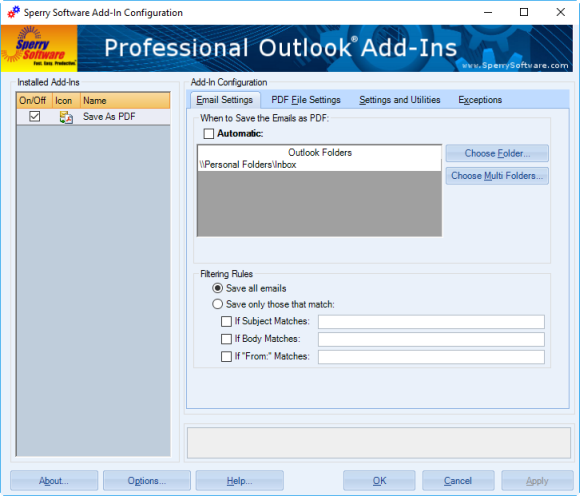
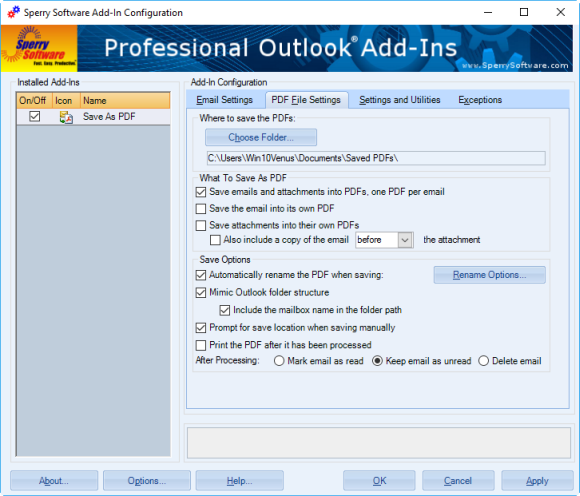
Our Save As PDF add-in for Microsoft® Outlook® can convert emails to PDF (and their attachments). Useful for client project backups, legal discovery, and more. It saves each email into its own PDF file. There’s no clunky PDF printer driver required; this add-in does all the work and contains everything you need to start creating PDF files out of email.
The add-in first converts the email to PDF, then takes each attachment and inserts that into the PDF as well. It works on Microsoft® Word® files (.doc and .docx), Microsoft Excel® files (.xls and .xlsx), Microsoft Powerpoint® files (.ppt and .pptx), PDFs that are already PDFs, plain text files (.txt), HTML files (.htm and .html), image files (.tif, .jpg, .gif, .png, plus other image file formats) and unpacks compressed zip files and converts those. It will even work on nested emails (emails that have attachments that are emails, which may have their own attachments).
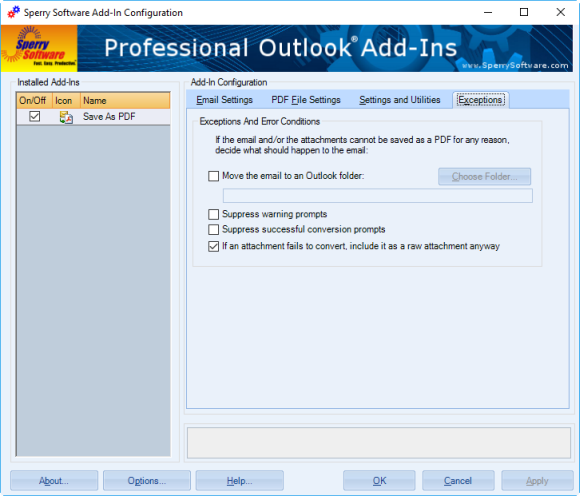
If there are any problems along the way (for instance, AutoCAD® drawings or other proprietary formats), the add-in has the ability to move the email to another folder (which is useful if you’re using batch mode to generate a bunch of PDF files all at once, so you can easily see which ones cannot be converted) it can include the file as an attachment in the PDF, or it can simply flag that email with a category so you can go back later to see which ones cannot be converted.
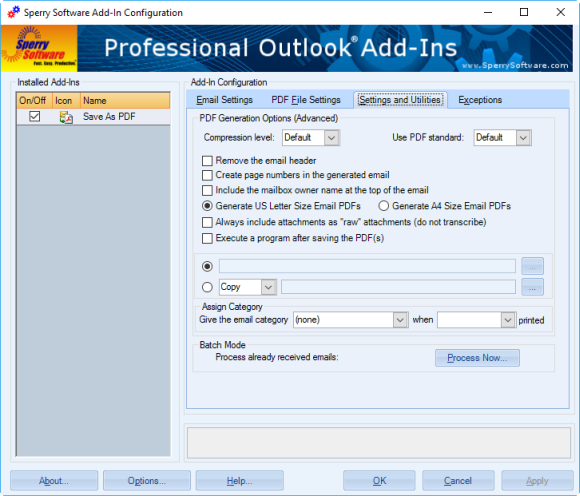
The add-in can also print the PDF once it has generated it. It does not queue the email, then the attachments – this can lead to out of order printing. What it does is submits the PDF as a single print job to guarantee that each email is followed by its attachments in the printer, in order. Note that this feature requires you to have the Auto Print add-in, sold separately.
This add-in is perfect for in-house archiving, legal discovery, compliance, and more. Easily convert emails to PDF by buying your copy today!
Save As PDF for Outlook comes in 2 versions: standard and pro. To learn more about Save As PDF vs Save As PDF PRO, check out this link.
“I can highly recommend this pdf email saver to anyone in real estate, this is a basic need for saving documentation over time! i’ve been looking for a solution for a very long time…thank you! “
– Marjory Bare, WA, United States
“I highly recommend Sperry Software convert email to PDF. Great product. Easy to use. Inexpensive. I cannot say enough good things about the product. Best $$$ you will spend.”
– Carol Holt, United States