

Timed Email Organizer for Office 365
Do you need a more powerful set of rules? If so, this product is for you. It works similar to our desktop Timed Email Organizer Add-In for Outlook except that it runs the rules from our cloud server and operates on your Office 365 account.
Timed Email Organizer for Office 365
From: $12.00 / month with a 30-day free trial
Do you need a more powerful set of rules? If so, this product is for you. It works similar to our desktop Timed Email Organizer Add-In for Outlook except that it runs the rules from our cloud server and operates on your Office 365 account.
Do you need rules to work independently of Office 365 rules? If so, this Outlook Timed Email Organizer Office 365 add-in is for you. It works similar to our desktop Timed Email Organizer Add-In for Outlook except that it runs in the cloud – so you don’t have to worry about leaving Outlook running overnight or over the weekend, and there’s nothing to install.
It works like this:
- You sign up for the service.
- You then use your Office 365 credentials to log into www.SperrySoftware365.com.
- Start creating rules!
Because the rules operate from your Outlook 365 account, there’s no worrying about rules space.
Tier Comparison:
If you would like a 30 day trial, please sign up for the Premium tier, it’s the only one that has a free trial.
Features
COMPARE TIER FEATURES
Total number of messages acted on per month
Eligible accounts
Mark as read
Delete
Mark as junk
Move to folder
Copy to folders
Mark with importance
Categorize
Forward
Aged email organizing
Save email to OneDrive (PDF)
Free Tier
$0.00
per month
500
Outlook.com
or Office 365
Standard Tier
$8.00
per month
2500
Outlook.com
or Office 365
Premium Tier
$12.00
Per Month
Unlimited
Outlook.com
or Office 365
COMING SOON
Features
You can create rules that...- ...monitor folders other than the Inbox, like Junk Mail or Sent Items
- ...act on emails coming From particular recipients or To particular recipients
- ...act on emails if you are in the To, CC, both To Or CC, not on the To, or the only one in the To field
- ...act on emails if the Subject contains your keywords
- ...act on emails if the Body contains your keywords
- ...act on emails if the Subject or Body contains your keywords
- ...act on emails if the Sender Address contains your keywords or if the Recipient address contains your keywords
- ...act on emails if the Importance is set to your specified level
- ...act on emails if it is Not Flagged, Flagged or marked Complete
- ...act on emails if it has at least one Attachment
- ...act on all emails
- ...Move the email to another folder
- ...Copy the email to another folder
- ...Delete the email
- ...Mark the email as read
- ...Mark the email as junk
- ...Mark the email with a particular importance (High, Normal, Low)
- ...Mark the email with a given category
- ...Forward the email to another email address
Screenshots
Click on the images to enlarge:
 SperrySoftware365 Home Page - This is where you login
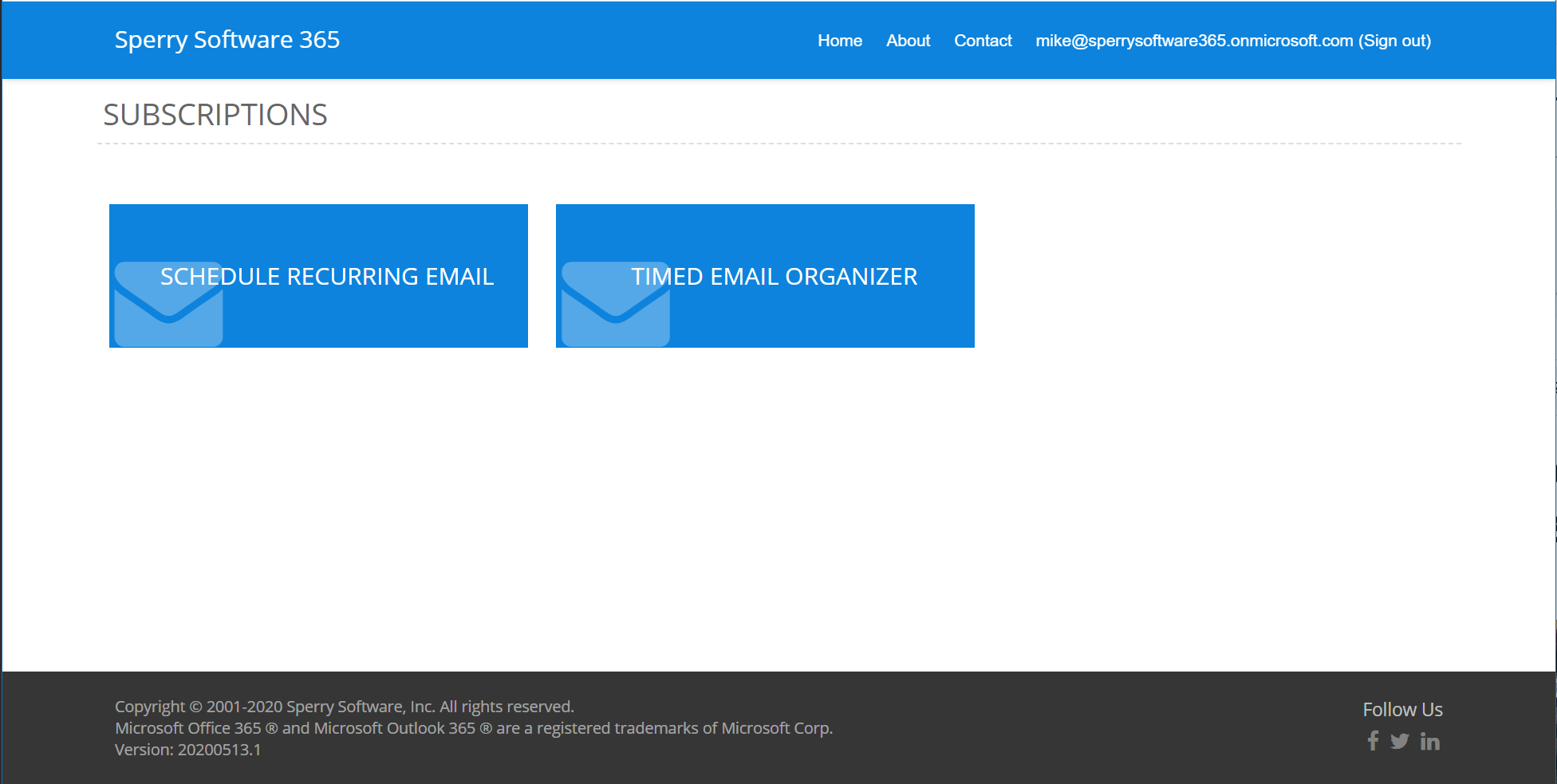 SperrySoftware365 Dashboard - This is what you will see when you first login. Other subscription offerings will appear here if you are subscribed and as they become available.
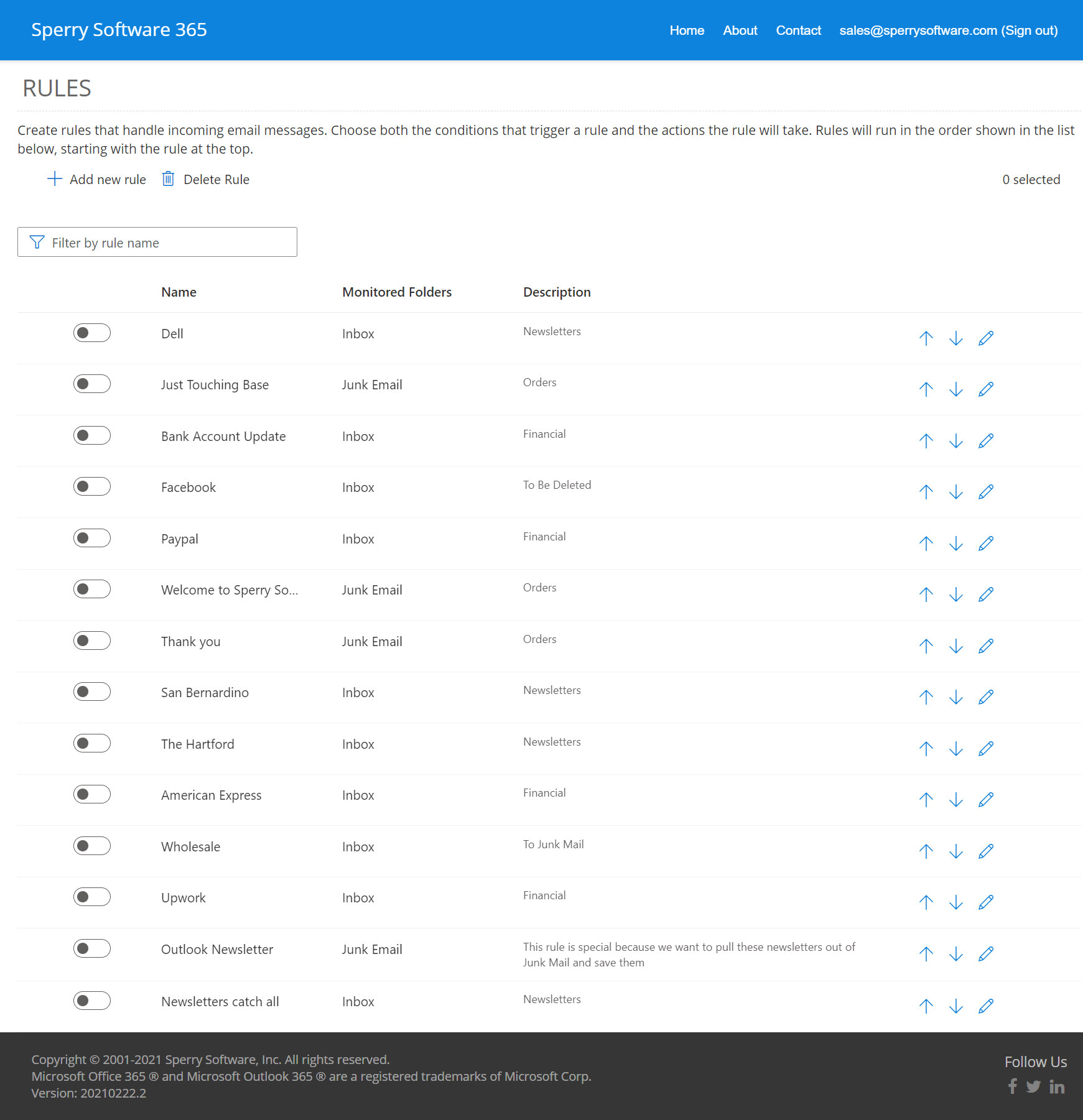 This is the view of the main grid after several rules have been added.
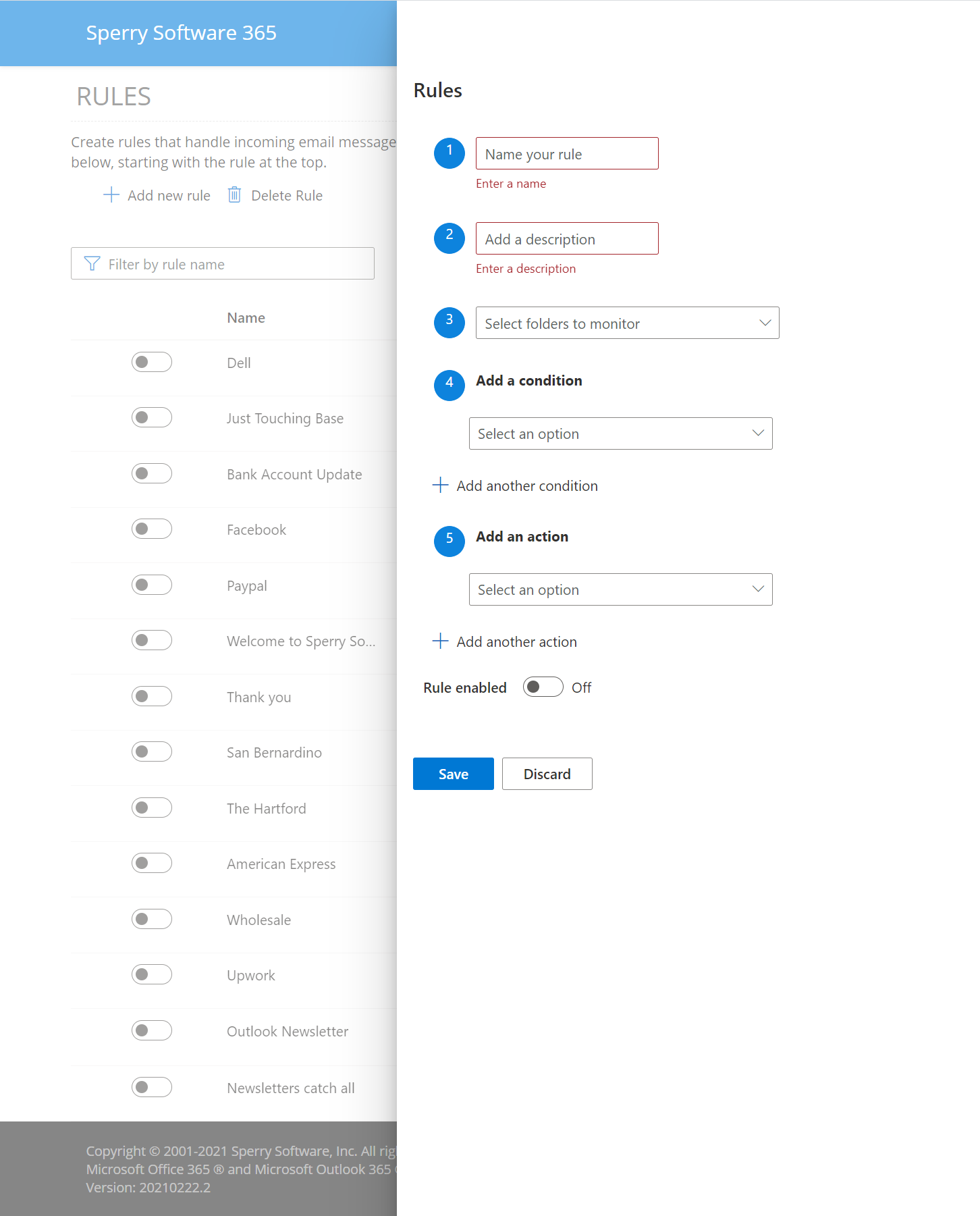 This is what it looks like when you click the "+Add New Rule" button.
3 Things You Should Know...
- The add-in does not apply rules on the entire Inbox immediately. It only works on newly arriving emails. However, you can drag and drop emails into and out of say, the Inbox to test your rules.
- The Personal tier is limited to only Outlook.com accounts - all other tiers support both Outlook.com and Office 365 mailboxes. The Description tab has the individual breakdowns of features in each tier.
- You can learn more in our Getting Started With Timed Email Organizer for Office 365.
Documentation
View our Getting Started with Timed Email Organizer for Office 365 guide, which includes everything you need to get onboarded quickly organized step by step.
Do you need to send out emails on a recurring basis? If so, this product is for you. It works similar to our desktop Schedule Recurring Email Add-In for Outlook except that it sends out the emails from our cloud server using your Office 365 account.
Sort, print and edit your Outlook rules right from a convenient, easy to read grid. Includes four validation checks including finding duplicate rules.
The Timed Email Organizer add-in keeps your Inbox neat and tidy by organizing emails using rules. These rules aren’t associated with Outlook rules, and you can even test out your rules before implementing them.
