

Attachment Save Pro
Similar to our standard Attachment Save add-in, this add-in will automatically save emails and/or attachments using rules. It will save to different Windows folder locations based on the subject, or who it’s from, etc. Completely versatile with an unlimited number of rules!
Attachment Save Pro
$129.95
Similar to our standard Attachment Save add-in, this add-in will automatically save emails and/or attachments using rules. It will save to different Windows folder locations based on the subject, or who it’s from, etc. Completely versatile with an unlimited number of rules!
Our Outlook Save All Attachments Pro add-in saves emails and/or attachments to disk – it’s just like our standard Attachment Save add-in except that you can now save emails and/or attachments to different Windows folders based on who it’s from, or the subject, etc.
There’s no limit to the amount of rules you can have so you know that you can stay organized. It supports multiple rules each with different save locations.
Just like our standard Attachment Save, you can choose to replace any attachments with a URL link to the file and if you forward an email that the add-in has operated on, it will automatically reattach any attachments it may have saved to disk and erase the URL link.
And, our Outlook Save All Attachments Pro add-in helps to increase your productivity because it can save your emails and/or attachments directly to OneDrive®, DropBox®, and many other file sharing services.
“We use this for automation purposes. In our specific instance, we receive a set of machine generated reports from wind turbines. Each of these comes from a separate machine but then are aggregated into a single email delivery to us. That e-mail has 20-30 attachments for each turbine. We use your add-in to automate dumping these attachments into a folder where another program can pick up the plume of data and process it into larger scale reports.”
– Justin, Canada
Highlights
- Automatically save emails and/or attachments
- Supports multiple different save locations using rules
- Works on incoming or outgoing email and/or attachments
- "Batch Processing" facility for one click saving of entire folders
- Backup and restore rules for easy migration
- Can be used as part of larger workflow
- 2 years of chat, email, and phone support
- 2 years of free upgrades
Features
- Does everything our standard Attachment Save does
- Uses multiple independent rules to save just the email, just the attachment, or both, to different Windows folders
- Saves email and/or attachments that arrives at your inbox or any other Outlook folder, including your Sent Items
- Easily handles attachments like PDFs, Word docs, Excel files, and many more file types
- Save emails in several different formats including native Outlook (MSG) format, HTML, TXT, and several others
- Automatically rename the email and/or attachments when they are saved to disk
- Works with Office 365, Outlook 2019, 2016, 2013 and 2010 (both 64-bit and 32-bit), and Outlook 2007
- Backup and Restore buttons allow for easy migration of rules
- Supports exceptions - Accepts a list of files to never save...perfect for legal disclaimers
- Integrates directly into Outlook for easy access
- Easily enable/disable the add-in to turn it on or off when you need it
Free up your valuable time and add it to your cart by selecting the "Add To Cart" button above.
"This tool is exactly what I needed - thanks!"
- David, Kansas
*Click on the images to enlarge.
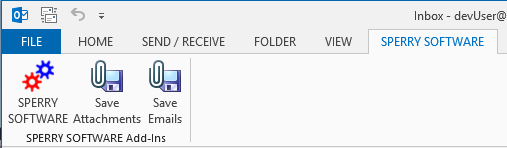
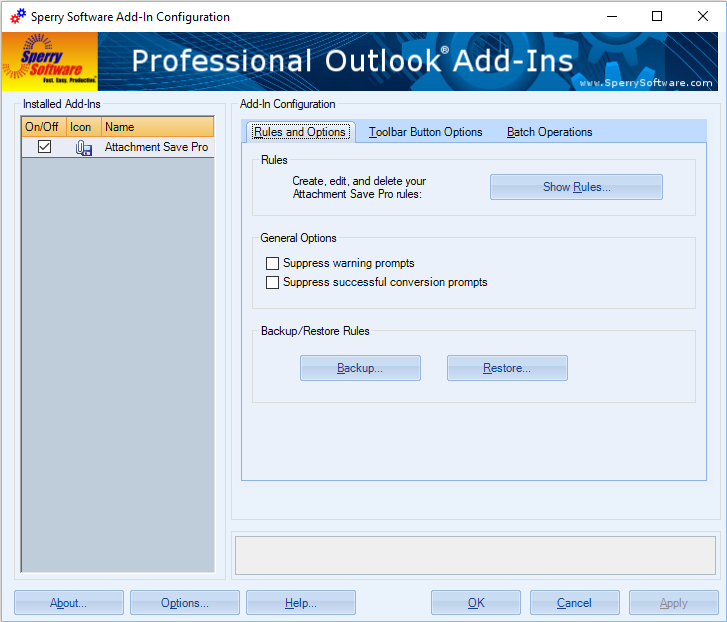
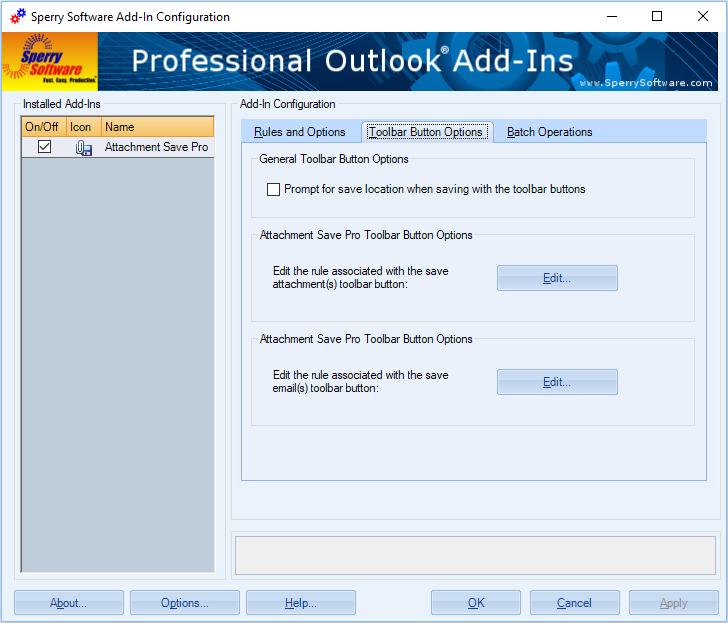
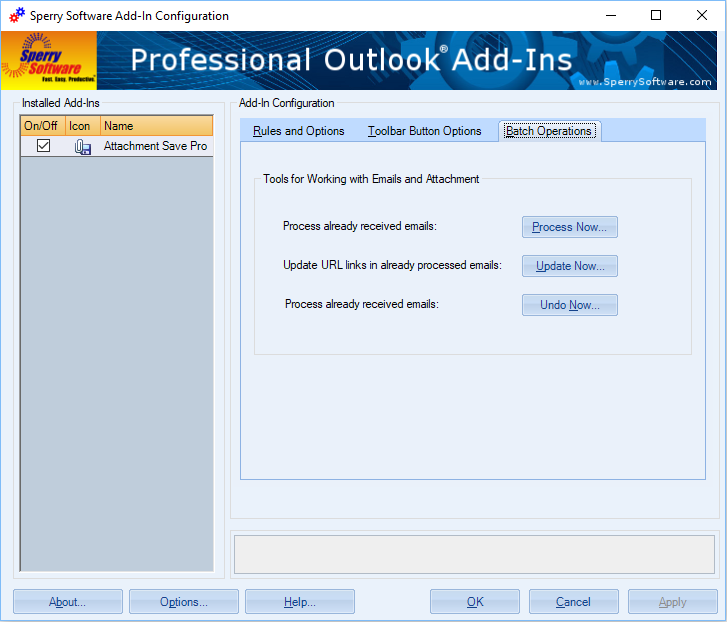
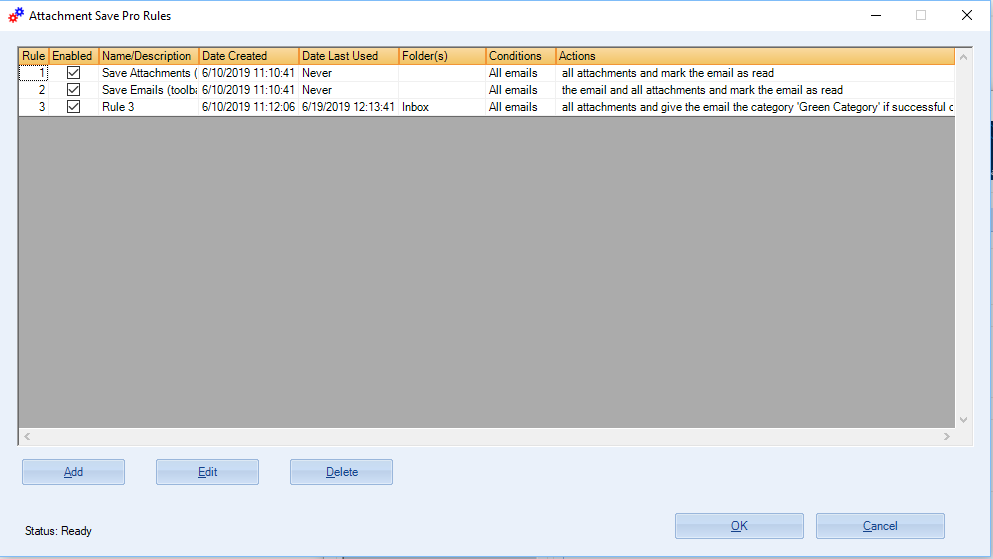
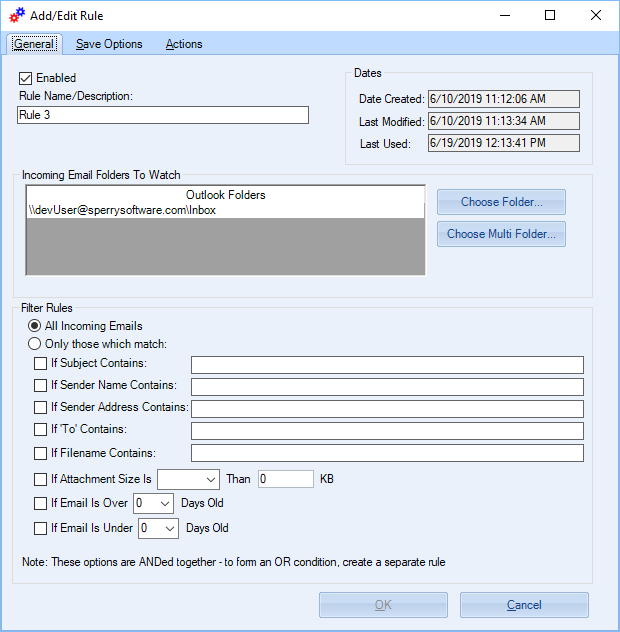
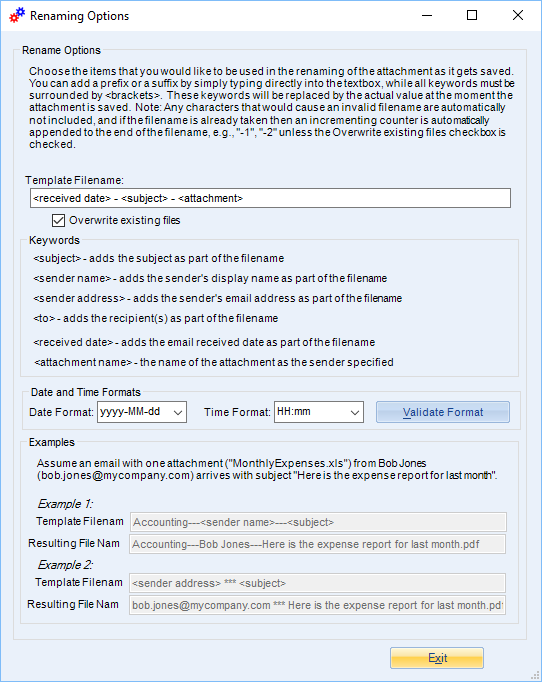
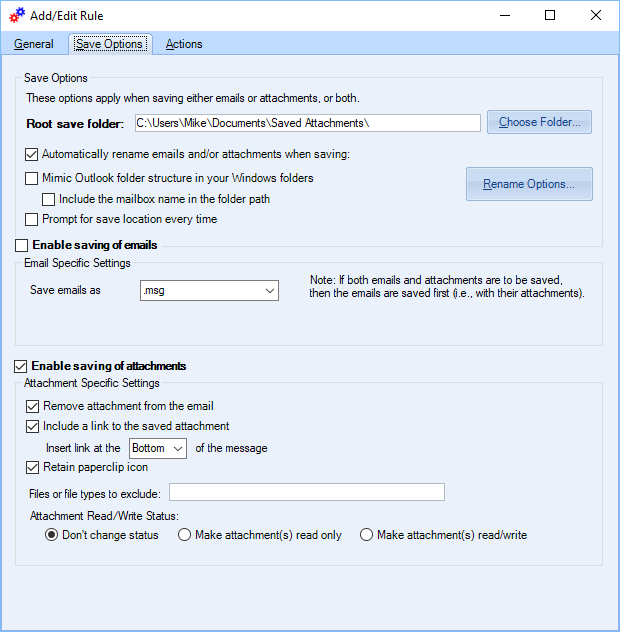
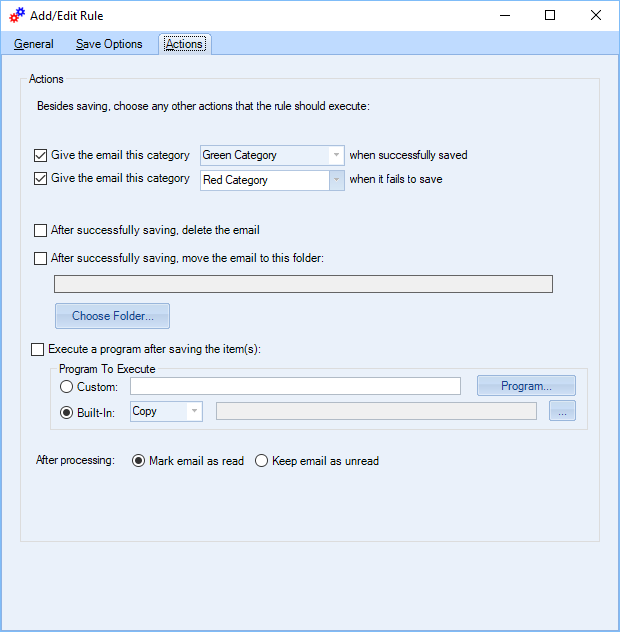
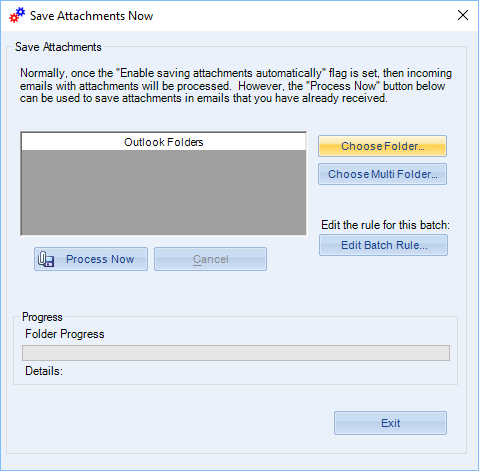
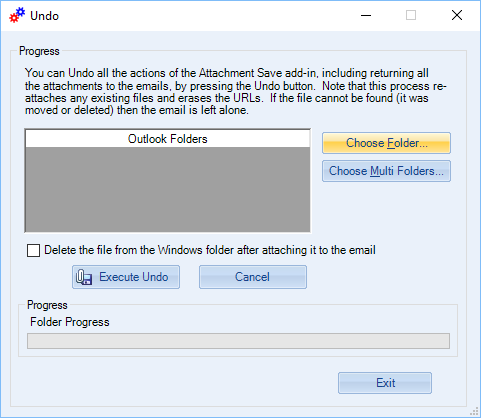
Here you can see the many configuration windows, along with the rules grid (where the first two rules are set to control what happens when the toolbar buttons are clicked, and the 3rd rule simply saves all attachments and if successful marks the email with the 'green' category so we know it's been processed, and the 'red' category if there are any problems along the way).
"PST file was getting WAY too big…able to save the attachments in the same file structure as in Outlook"
- Julie, United States
Read more reviews from customers like you
Downloads
14-Day Trial Outlook Downloads
- These versions are for classic desktop Outlook and not "new Outlook" - see How to tell if you are using classic desktop or new Outlook.
- Our trial versions are fully functional and are the production version.
- The version you choose below is dependent on whether you have 32-bit or 64-bit Outlook - see How to tell if you have 32-bit or 64-bit Outlook installed for help.
- If you need to uninstall for any reason, review our instructions for uninstalling our add-ins.
- View our End User License Agreement.
Version: 8.2.9687.13485
Last Updated On: 2026-07-10
For Windows 11, Windows Server 2016 or higher;
And Microsoft 365, Outlook 2024, Outlook 2021, Outlook 2019, and Outlook 2016
Attachment Save Pro for Microsoft 365/Outlook 2024/2021/2019/2016 (32-bit)
Attachment Save Pro for Microsoft 365/Outlook 2024/2021/2019/2016 (64-bit)
Version 8.1:
Version: 8.1.8918.26541
Last Updated On: 2024-06-01
For Windows 10, 11, Windows Server 2016 or higher;
And Office 365, Outlook 2021, Outlook 2019, and Outlook 2016
Attachment Save Pro for Microsoft 365/Office 365/Outlook 2021/2019/2016 (32-bit)
Attachment Save Pro for Microsoft 365/Office 365/Outlook 2021/2019/2016 (64-bit)
All downloadable add-ins:
View the list of all our downloads (in alphabetical order)
More Information
Also, did you know that you can scan all your previous email messages for attachments, not just new ones that come in? This feature is perfect for your Sent Items folder, where a copy of all the attachments you've ever sent are hanging around taking up valuable space. You can then compact your Outlook PST files, making Outlook operate safely and more efficiently.
Hosted Exchange Users
Are you constantly having to increase your plan to cover your storage needs? Attachment Save can help keep the size of your mailbox on the server within your allowed size. Why pay additional money every month for additional storage space when Attachment Save can pay for itself within the first few months?
Do you need to save emails or attachments in PDF format?
Attachment Save saves emails and/or attachments in Windows native format. However, you might find our Save As PDF more useful because it will save your emails and attachments in PDF format instead.
Need to learn how to save emails and attachments to Windows folders? This article covers the basics for the beginner.
Read More:
- All New Versions (v8.0) Are Now Released Out of Beta
- Announcing Version 8.0 of Our Desktop Add-Ins
- Date Display Format Tricks
- Announcing Our Newest Add-In: Attachment Save Pro
"PST file was getting WAY too big…able to save the attachments in the same file structure as in Outlook"
- Julie, United States
Read more reviews from customers like you
Read More:
Save space in your inbox! Keep your email in Outlook and your attachments in a separate Windows folder with this powerful Save Emails and Attachments add-in. It automatically replaces attachments with a link to the file.
Do you spend a lot of time renaming attachments from fax services or automated scanning systems? Now you can automatically rename attachments (without removing or saving them) when sending or receiving emails.
Everything our standard Save As PDF add-in does plus it uses rules to save Outlook email as PDF. It even converts multiple emails to a single PDF file (known as a Portfolio) so that it goes email 1, attachments, email 2, attachments, etc.
Converting emails to PDF files is a breeze with this add-in. It also converts many Microsoft Office file type attachments as well as image attachments and even zip files!
