
A group email can expose more than the message itself. It can reveal who is connected to a sensitive matter, even when the email body contains no confidential details.
That is the lesson from an Information Commissioner’s Office decision published on August 5, 2026. The Metropolitan Police Service emailed 18 people linked to a sensitive investigation about a change to a suspect’s bail date. The recipients’ email addresses were placed in the To field, so everyone could see each other’s names and addresses. The ICO said the context meant sensitive information could potentially be inferred about the recipients.
This was not a sophisticated attack. It was a normal Outlook workflow with a high-consequence field choice. The practical question for every Outlook team is simple: should these recipients be able to see one another?
Why the BCC reminder is not a complete control
BCC is useful, but it is still a manual decision made inside a busy compose window. A sender can select the right list and still put it in To or CC. A double-check can also focus on the subject and attachment while missing the recipient field.
The ICO’s finding is important because it treats the incident as more than an isolated slip. The regulator identified wider weaknesses in training, monitoring, and governance, and said policies and reminders are not enough if they are not followed, checked, and enforced.
That is a useful distinction for IT and operations leaders. A policy tells people what to do. A safer workflow makes the risky option harder to choose.
Start with the audience, not the email field
Before sending a group message, classify the audience:
- Open audience: recipients already know one another and have a reason to collaborate. To or CC may be appropriate.
- Private audience: recipients should receive the information but should not learn who else is on the list. BCC may be appropriate for routine, low-sensitivity announcements.
- Sensitive audience: the list itself could reveal a complaint, investigation, client relationship, health matter, or other private connection. Send separate messages so each recipient sees only their own address.
If BCC is appropriate for your audience, see how to show and use the BCC field in Outlook.
The third category is where teams often need a different process. If the relationship between recipients is sensitive, hiding the message body is not enough. The distribution list is part of the protected information.
A practical pre-send routine for Outlook
1. Ask whether the list is itself sensitive
Do not limit the review to the attachment or message text. A list of clients, witnesses, patients, complainants, or vendors can carry information simply by existing.
2. Choose the send pattern deliberately
Use a visible group only when recipients should collaborate. Use BCC when the announcement is routine and the list does not create a new privacy concern. Use separate messages when each recipient needs a private delivery.
3. Inspect the actual fields
Look at the To, CC, and BCC fields immediately before sending. Do not rely on an instruction remembered from training. If the message is sensitive, have a second person verify both the recipient pattern and the content.
4. Test the process, not just the message
Ask your team to rehearse a realistic scenario with test addresses. Confirm what each recipient can see, what Outlook displays, and what the sender has to do. A process that works only when someone remembers an exception is not a dependable control.
When individual delivery is the safer default
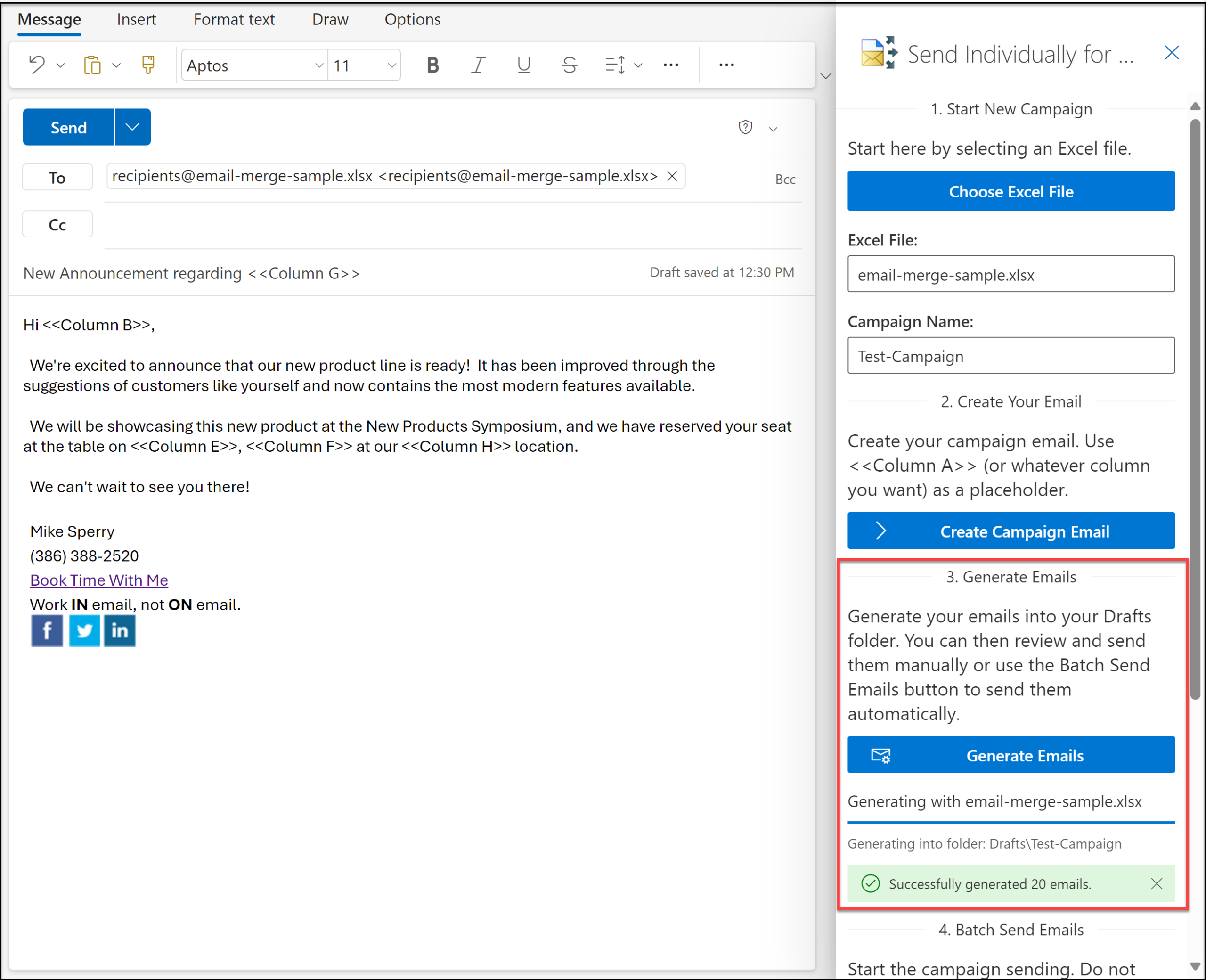
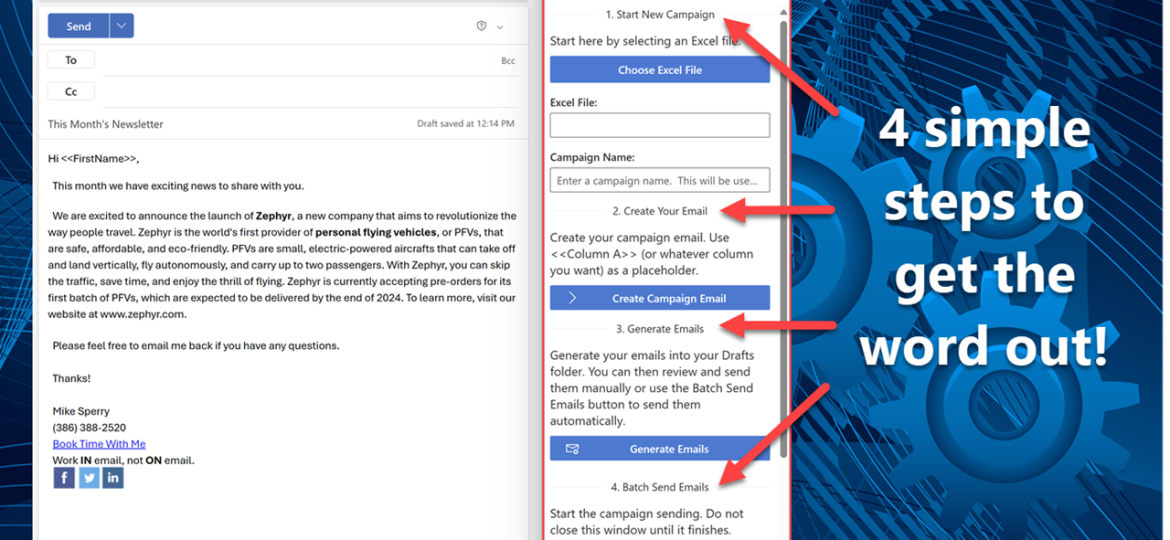
For newsletters, notices, and other messages that must reach many people without exposing the list, Send Individually for Outlook uses a different delivery pattern. You create the message and provide the recipient list, then the add-in sends one copy to each recipient. Each message is addressed to that person in the To field, so recipients do not see the other addresses.
The list can come from the To field, an Excel file, a CSV file, or a plain text file with one address per line. That gives teams a repeatable workflow for private distribution instead of asking every sender to remember which field to use for every campaign.
Using the Microsoft 365 edition instead of the desktop add-in described above? Follow Getting Started with Send Individually for Microsoft 365 for its Excel-based campaign workflow.
It is not a replacement for judgment. Teams still need to classify the audience, review the content, and follow their privacy policy. But it removes one common failure mode: placing a large recipient list into a message where every recipient can see it.
Make privacy a property of the send process
The MPS incident shows why group email privacy in Outlook deserves more than a reminder in a policy document. The error happened at the moment of sending, when a list intended to be private became visible to everyone on it.
A better control starts earlier. Decide whether recipients should see one another, choose a delivery pattern that matches that decision, and use a repeatable process for messages that require private delivery. When the cost of a field mistake is high, the safest workflow is the one that does not depend on perfect memory.
See how Send Individually for Outlook can keep group email addresses private.

Related Posts