Sperry Software outlook add-insmicrosoft outlook 2010 add-insmicrosoft outlook 2007 add-ins
Sperry Software homemicrosoft outlook 2010 addins
microsoft outlook add insOutlook add-in FAQSee what our customers say...Outlook add-in support pageContact us at 1 (800) 878-1645
Our Best Selling Add-Ins
Our Outlook add-ins
Attachment Save
Schedule Emails
Auto Print
Save As PDF
Duplicate Eliminators
VCard Converter
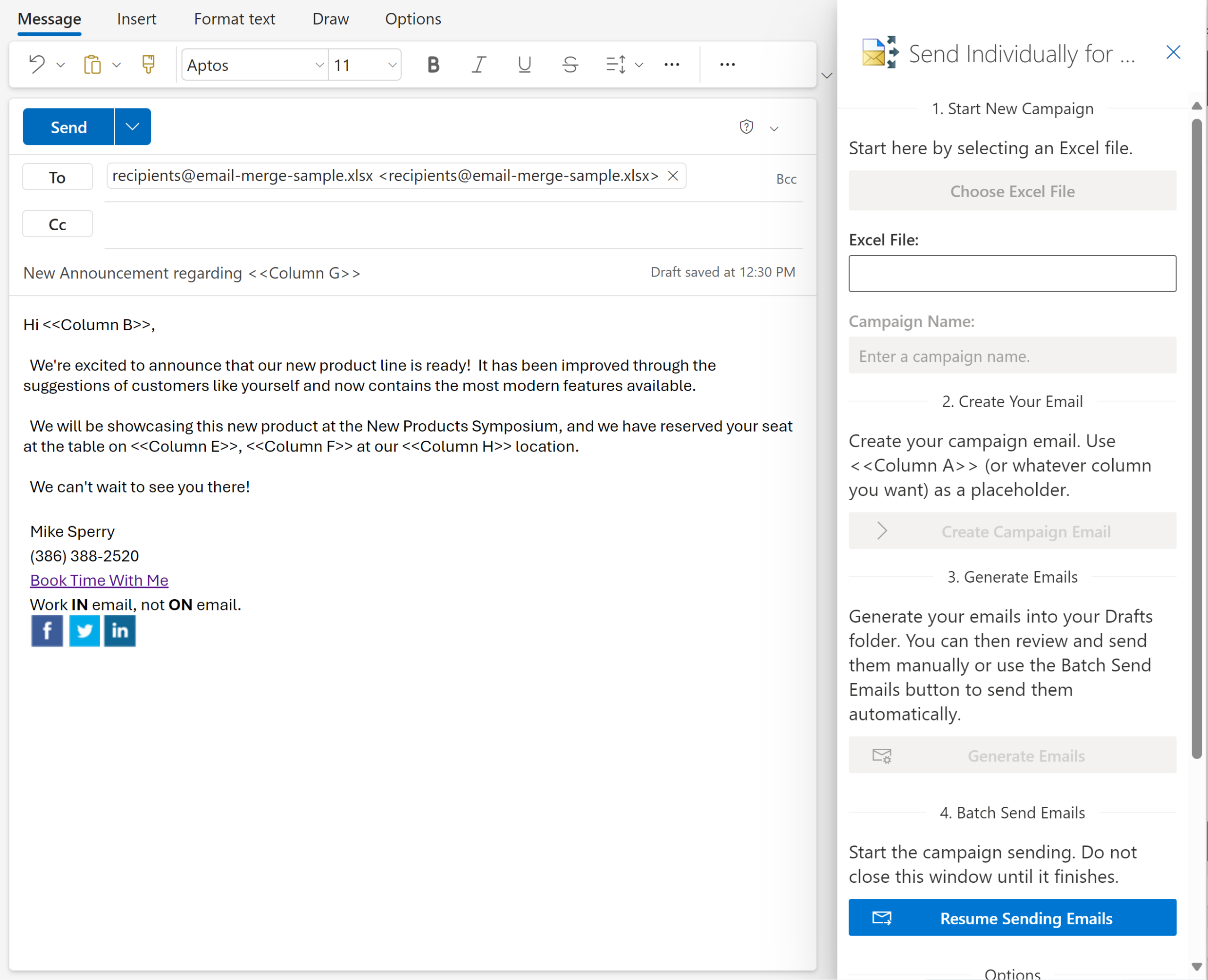
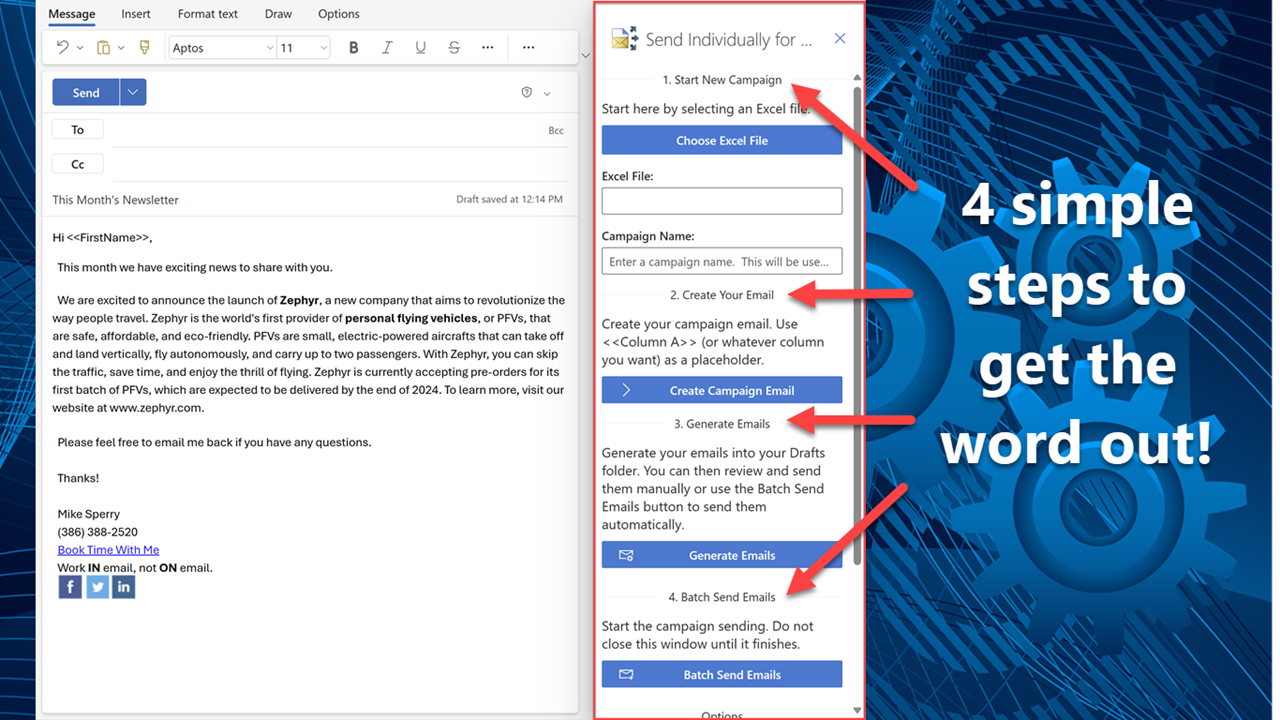
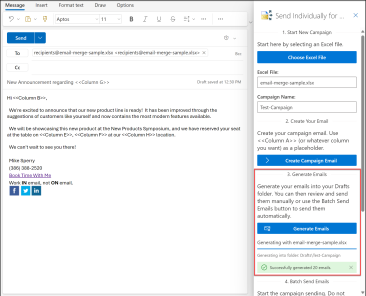
Send Individually
Reply To All Monitor
Sent Items Organizer
All Downloads
Shopping Cart
 
 
Save time in Microsoft Outlook. Take control of email.

Use our tools to make your email life easy and make Outlook do what you want it to do.

Be more productive and get more out of Outlook with our professional line of Outlook add-in tools. There are add-ins to help you to automatically save emails and attachments, add-ins to organize your emails, add-ins to automatically send out emails on a schedule and many more.

All of our tools come with free upgrades and free tech support for two years.

  Sperry Software's new Outlook add-in Zoom Email Windows is now being released out of beta. This tool for Microsoft Outlook automatically zooms all your Outlook windows, and even zooms and holds the Outlook 2010 preview pane. Outlook already has the ability to zoom your windows (just scroll the mouse wheel up or down!), but this add-in makes it automatic so that you don't need to do a thing. This new version is only for Outlook 2007 and Outlook 2010, both 32-bit and 64-bit.

Our Always BCC Add-In is now available in German! It is the 4th add-in to be translated along with Vcard Converter, Hide Fax Numbers, and Reply To All Monitor.

New! Do you need to CC or BCC your bosses or assistants based on multiple different conditions? Our new Compliance Copies Add-In for Microsoft Outlook has been released to beta and will automatically CC or BCC different recipients based on multiple different rules. It's like our Always BCC Add-In on steroids!

Our Print On Demand add-in Print On Demand for Microsoft Outlook has been released and helps you to print just emails, attachments or both by placing convenient buttons right on your Outlook toolbar.

Are you sure that you heard back from everyone you've emailed? Stop missing opportunities! The Follow Up Reminders Outlook add-in has been released out of beta and will notify you of people who have not responded to your email messages.

Our newest add-in is Power Rules Manager. This add-in for Microsoft Outlook presents your Outlook rules in a grid format so you can easily see them all. Sort, edit and print your rules with ease. Remove duplicate rules, fix rules that are causing duplicates and much more.

The public beta of our Save As PDF add-in continues. This add-in for Microsoft Outlook saves emails and their attachments as PDF files. Useful for project or case backups, legal discovery, and more, the add-in can convert emails, Word docs, Excel files, and many more formats without the need of a PDF printer driver.

A new German language version of VCard Converter for Microsoft Outlook is now available. You can find the German language add-ins on the Downloads page.

Another new add-in: Help Desk Email Templates. Using this tool allows users to create support tickets for your IT staff from a familiar environment with the least amount of clicks possible.

New German language versions for two add-ins have been added to the lineup: Reply To All Monitor and Hide Fax Numbers. You can find the German language add-ins on the Downloads page.

Both Always BCC and Time Date Signature are now out of beta.

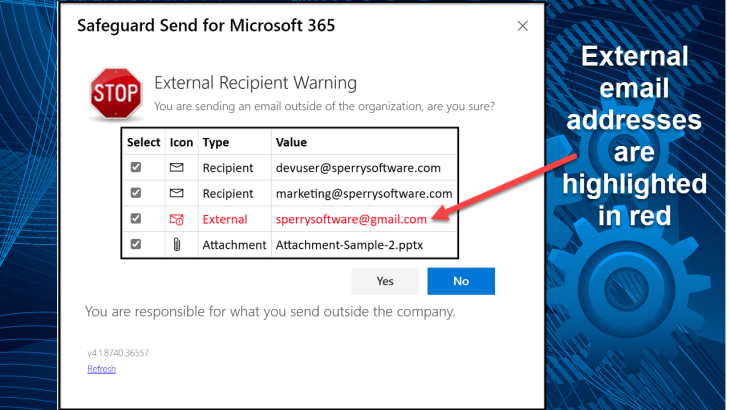
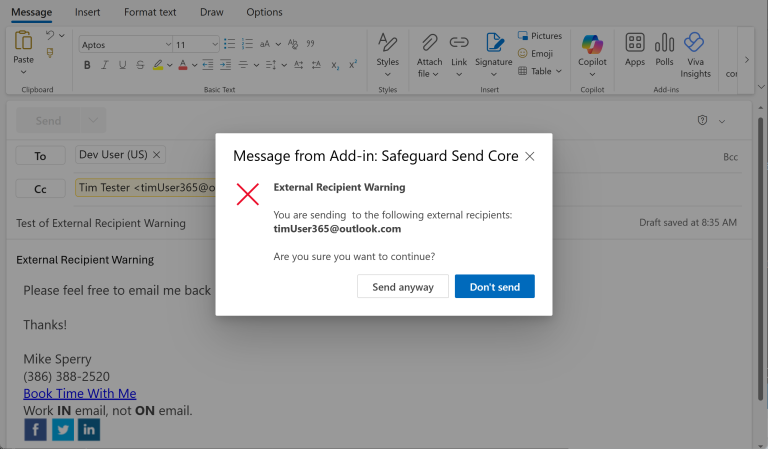
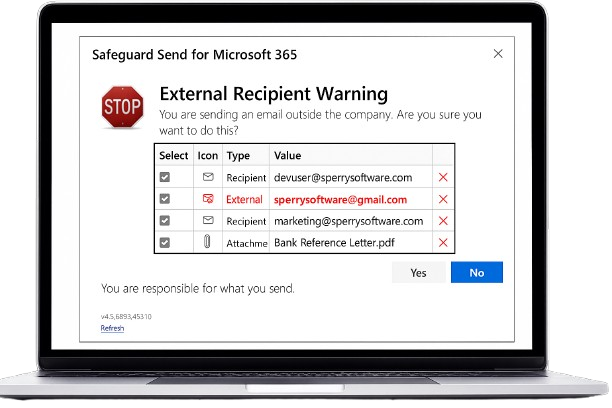
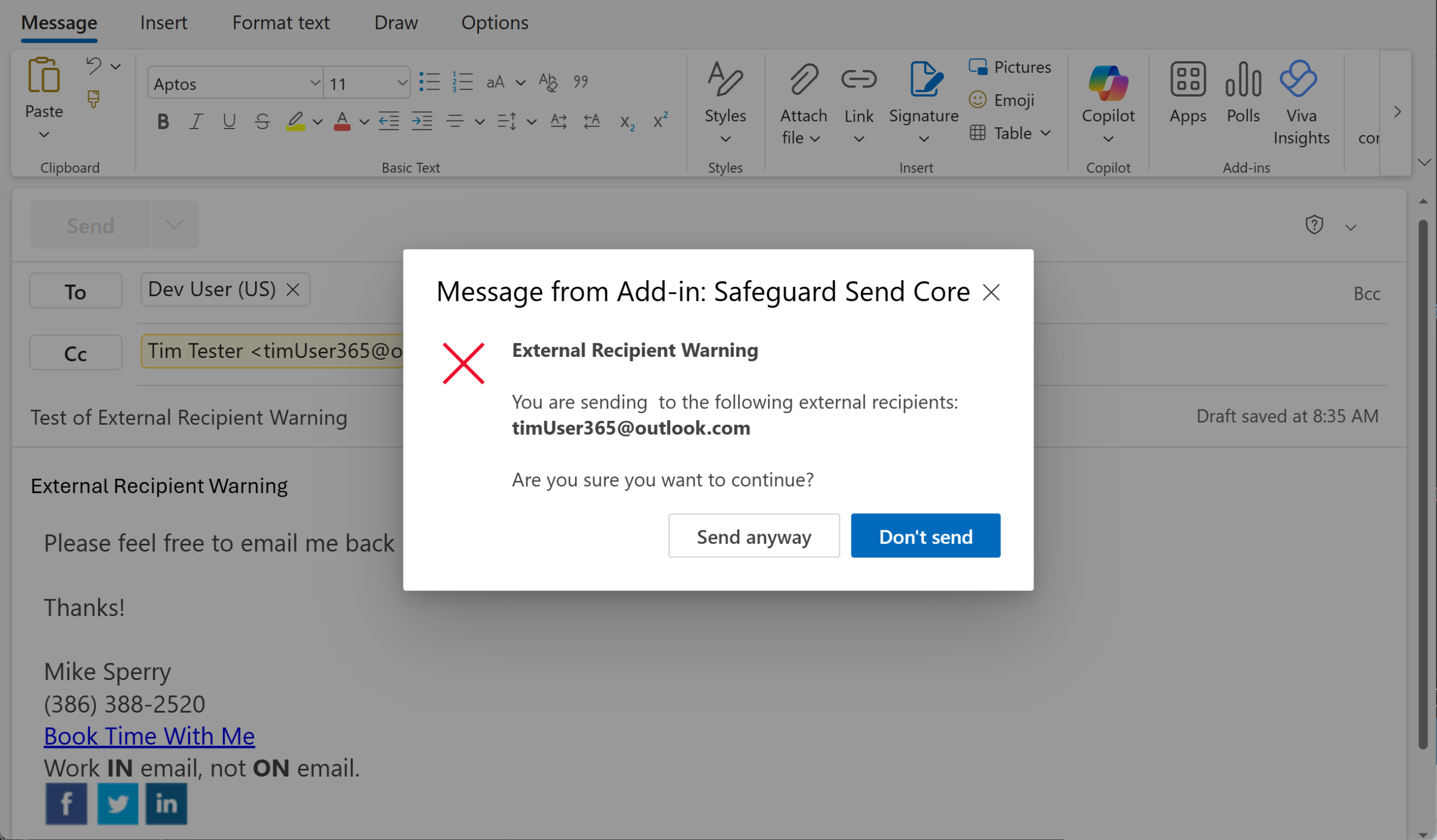
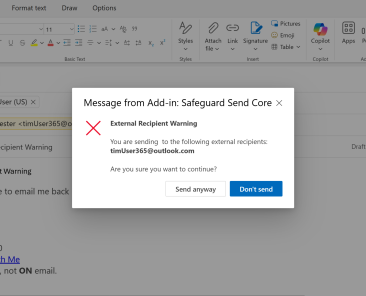
The Safeguard Send Add-In has two new features: it can now check for US social security numbers in outgoing emails and similarly, it can also check for credit card numbers in outgoing emails. Both features help your organization with privacy protections, and in some cases, help you to comply with the law.

The Attachment Save Add-In also has two new features: it can now process just emails older than a certain date. In addition, when the received date is used as part of the saved file name, the date format can now be specified.

We're happy to announce the public beta of another brand new add-in: Zoom Email Windows. This new add-in allows you to set a zoom and keep it there, and is very low cost.

A new feature has been added to Auto Print - you can now specify files that the add-in should never print. This is useful for instance, if you are constantly receiving a terms and conditions document or perhaps a legal disclaimers attachment.

VCard Converter is now out of beta. In addition to being able to run on Outlook 2010 32-bit and 64-bit, it now supports importing and exporting of photos as well.

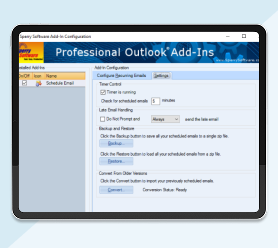
Schedule Recurring Email is now out of beta. It now supports sending from a different "From" account, supports random scheduled dates, has a simple backup/restore capability for moving the schedules between computers, and more.

The Add Email Address Add-In is now out of beta. It puts people you reply to in Contacts. It works in both Outlook 2010 32-bit and Outlook 2010 64-bit.

In addition, Insert Date Time Add-In is now out of beta. It adds a time or date stamp with a single hotkey. It supports 8 different formats and it works in both Outlook 2010 32-bit and Outlook 2010 64-bit.

Sperry Software is on Facebook! We look forward to being able to communicate with our customers through Facebook.

We've implemented automatic international page translations with the help of the Google Translate widget! To see it in action, just go to the bottom of any individual add-in page and select the language. You can also separately set the currency as well.


Add Email Address
Always BCC
Appointments By Email
Attachment Forget-Me-Not
Attachment Save
Auto Print
Business Bundle
Compliance Copies
Contacts Sort Order
Distribution List Manager
Duplicate Appointments Eliminator
Duplicate Contacts Eliminator
Duplicate Email Eliminator
Duplicate Email Eliminator Across Folders
Duplicate Journals Eliminator
Duplicate Notes Eliminator
Duplicate Posts Eliminator
Duplicate Tasks Eliminator
Eliminator Bundle
Email Reminders
File Fetch
Follow Up Reminder
Global Search And Replace
Help Desk Email Templates
Hide Fax Numbers
Incoming Mail Organizer
Insert Date/Time
Journal All Contacts
Mobile Email Redirect
Power Rules Manager
Power User Bundle
Print On Demand
Quick Text Hotkeys
Random Quotes Insert
Reply To All Monitor
Safeguard Send
Save As PDF
Schedule Recurring Email
Secure Email Forward
Send Individually
Sent Items Organizer
Think Green
Time Date Signature
Vcard Converter
Watch Folders
Zoom Email Windows

Language:

Home, Corporate Sales, Federal/State Sales, Our Guarantee,
Upgrade Policy, Privacy Policy, Sitemap, About Us, Blog, KnowledgeBase
Questions or problems regarding this web site should be directed to webmaster@sperrysoftware.com
Copyright © 2012 Sperry Software, Inc. All rights reserved.
Microsoft Outlook ® and Microsoft Outlook Express ® are a registered trademarks of Microsoft Corp.
 
May, 2012: Zoom Email Windows is now out of beta and the Always BCC add-in is now available in German.

April, 2012: New add-in Compliance Copies is now in beta and the Print On Demand add-in has been released out of beta.

March, 2012: Follow Up Reminders has been revamped and released out of beta.

February, 2012: New add-in Power Rules Manager is now in beta.

January, 2012: New add-in Save As PDF is now in beta and a German language VCard Converter add-in released.

December, 2011: Help Desk Email Templates, a new add-in, is now in beta and 2 German language add-ins released.

November, 2011: Zoom Email Windows, a new add-in, is now in beta.
October, 2011: VCard Converter has been released.

September, 2011: Schedule Recurring Email is now out of beta.

June, 2011: Both Add Email Address and Insert Date Time are now out of beta.

May, 2011: Both Attachment Save and Safeguard Send are now out of beta.

April, 2011: Both Auto Print and Email Reminders are now out of beta.

February, 2011: Both Attachment Forget-Me-Not and Hide Fax Numbers are out of beta.

January, 2011: All Duplicate Eliminators (both 32-bit and 64-bit) are out of beta testing.

December, 2010: Reply To All Monitor and Quick Text Hotkeys (both 32-bit and 64-bit) are both out of beta testing.

November, 2010: We're on Facebook, and automatic page foreign language translations now occur.

 
Save 10% Save money. Buy 2 or more add-ins and get an automatic 10% discount.

In addition, significant volume discounts are available if you're purchasing 20 or more of the same add-in. Email us at Sales@SperrySoftware.com or call us at (904) 343-7408 to find out how to get your web redeemable coupon code.
 
What are Outlook add-ins?
Add-ins are helper programs that integrate directly into Outlook. They enhance and expand the capabilities of Outlook. All of our add-ins are for Microsoft Outlook 2007, 2003, 2002 or 2000, but do not work with Outlook Express. Read our FAQ for more information about add-ins.
Customer Service Rating by LivePerson

Chat with our Sales Team!

 
Subscribe to our newsletter for updates on our add-ins and tips on how to get the most out of Microsoft Outlook.
Enter Email Address:
Advertisement

The Save As PDF Outlook Add-In converts all your email and attachments into PDF files. Convert emails and attachments to PDF files with our newest Outlook add-in. Word docs, Excel files, Powerpoint slides and many more formats can be converted without the need of a PDF printer driver.