

Useful Outlook
Add-Ins For Everyone
Add-ins for Microsoft 365 and Desktop Outlook
Big business or small team, email is the same. Sperry Software has solutions that cater to all businesses, from SMB to full enterprise. We also
custom build Outlook add-in solutions based on your needs and workflow. Learn more below, or feel free to contact us to start your custom project.
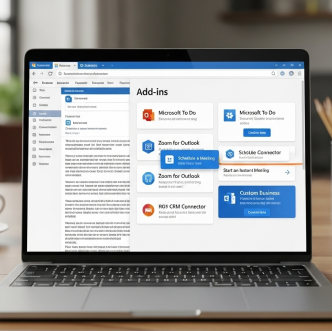
Outlook Add-Ins
Explore our extensive line of the best Outlook add-ins.
These powerful utilities fill the gaps in Outlook, allowing you to automatically print, save emails as PDFs, schedule emails, prevent mistakes, and much more.

Office 365 Solutions
See our Microsoft 365 solutions that work with your Outlook 365 account.
Office 365 Cloud? We have solutions! Most of our Office 365 add-ins work in desktop Outlook, Office on the Web and on Macs. Some also work on Android and iPhone.

Enterprise Solutions
Sperry Software can provide customized enterprise-class solutions.
We have developed solutions for centralized control to make it easy to administer. Our enterprise Outlook solutions are designed for your use case, and your organization.
Amazing Tech Support & Updates for 2 Years
Sperry Software knows that great support for our customers is key, and you are no exception. When you buy from Sperry software, you are licensed and covered for 2 years. Every Outlook app, add-in, or tool, no matter big or small, comes with Sperry Software tech support, where a human being answers the phone. Have questions, need help, or have a custom project?
Microsoft 365 Add-Ins
These products are specifically for Microsoft 365, meaning they will work on classic desktop Outlook, Outlook on the Web (OWA), new Outlook, and Outlook on MACs.
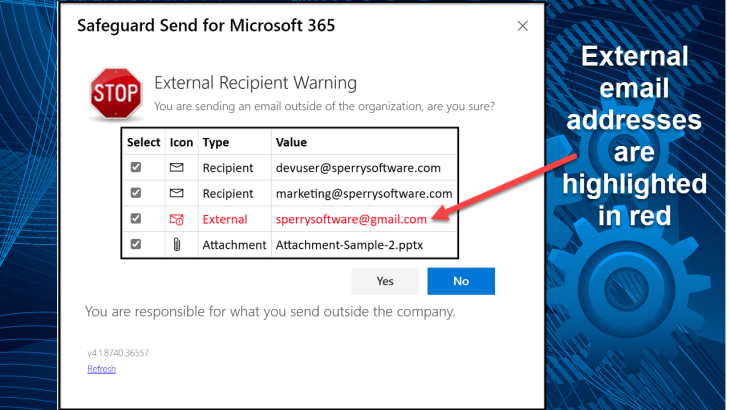
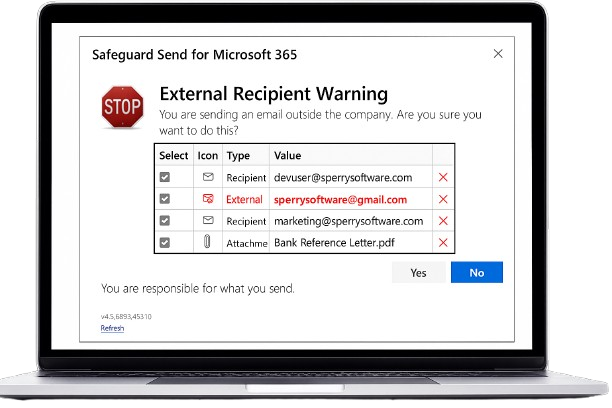
Safeguard Send for Microsoft 365
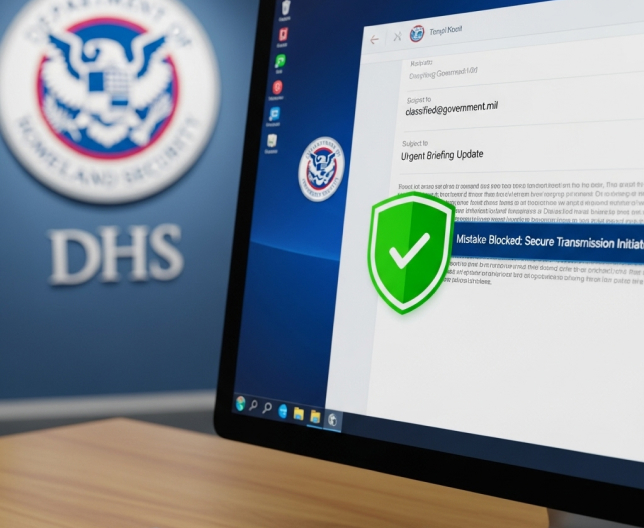
Are you worried about your users carelessly sending emails to the wrong people? Is letting users respond to phishing emails or perhaps classified information spills a concern for you?
$32.00
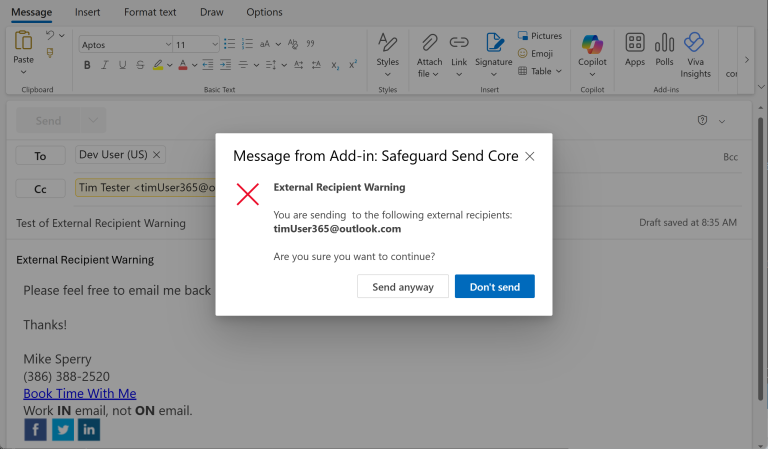
Safeguard Send
Core
This add-in duplicates the functionality of our flagship product (Safeguard Send for Microsoft 365) but with a reduced feature set, along with a reduced price – just $12/user/year.
$12.00
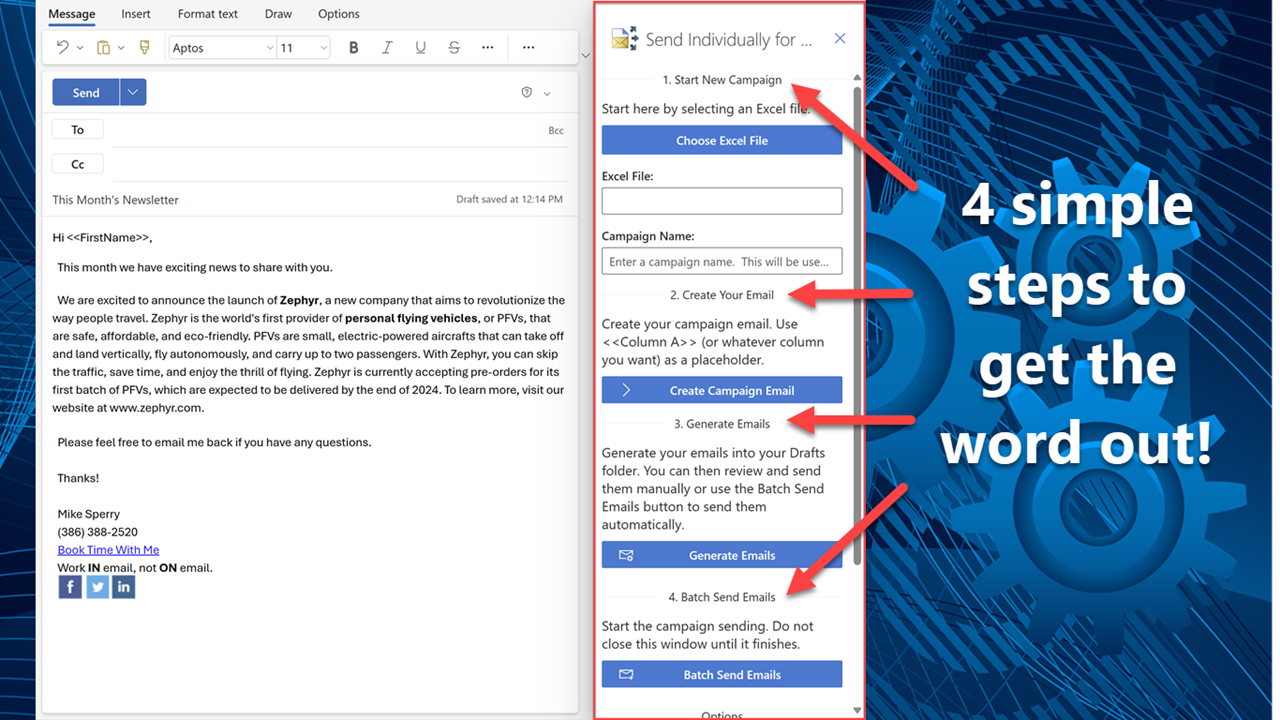
Send Individually for Microsoft 365
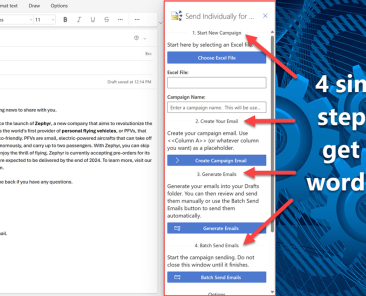
Grow your business with this email tool built specifically for Microsoft 365 users and easily reach your most important people one to one. Designed with simplicity in mind, send personalized emails right ........
$60.00
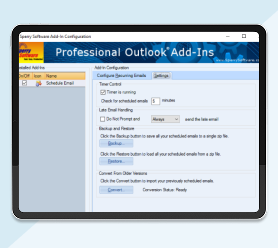
Save As PDF for Microsoft 365
Save more money! Select any three
of the add-ins below for just $145.95
and they will be added to your cart
as a single bundle. They must still be
downloaded and installed
individually.
$149.95
About Us
Based just south of Jacksonville, FL (US), Sperry Software has been developing and marketing Outlook add-in solutions since 2001. With a commitment to fast, easy, and productive solutions over 100,000 customers have been served including major fortune 500 companies like Verizon Wireless, Microsoft, RBS and the US Navy.
Our Customers Love Us! We Hope You Will Too
The use I have gotten out of the Sperry Software outlook add-in has been priceless. It adds value to my work and makes my life easier. It rarely has issues that compromise it’s functionality.
This Ms Outlook addin saves me countless hours, organizing my outlook emails. Such functionality is priceless – all organization should use this addin.
You have an amazing and comprehensive website with products that will make my life much easier. Thank you for your time and effort to make these products possible.
Latest News From Blog




Sign Up To Newsletter
Contact Us

Use the “Live Chat” option in the lower right of your screen.
Note that Live Chat may not be available, it is normally available M-F 9am-5pm EST.

Sales and Tech Support: (386) 388-2520
International callers (outside the US): +001-904-343-7408
